
DASHBOARD Tab
Summary
Section titled “Summary”This tab displays nice chart graphs summarizing any of the open documents
Description
Section titled “Description”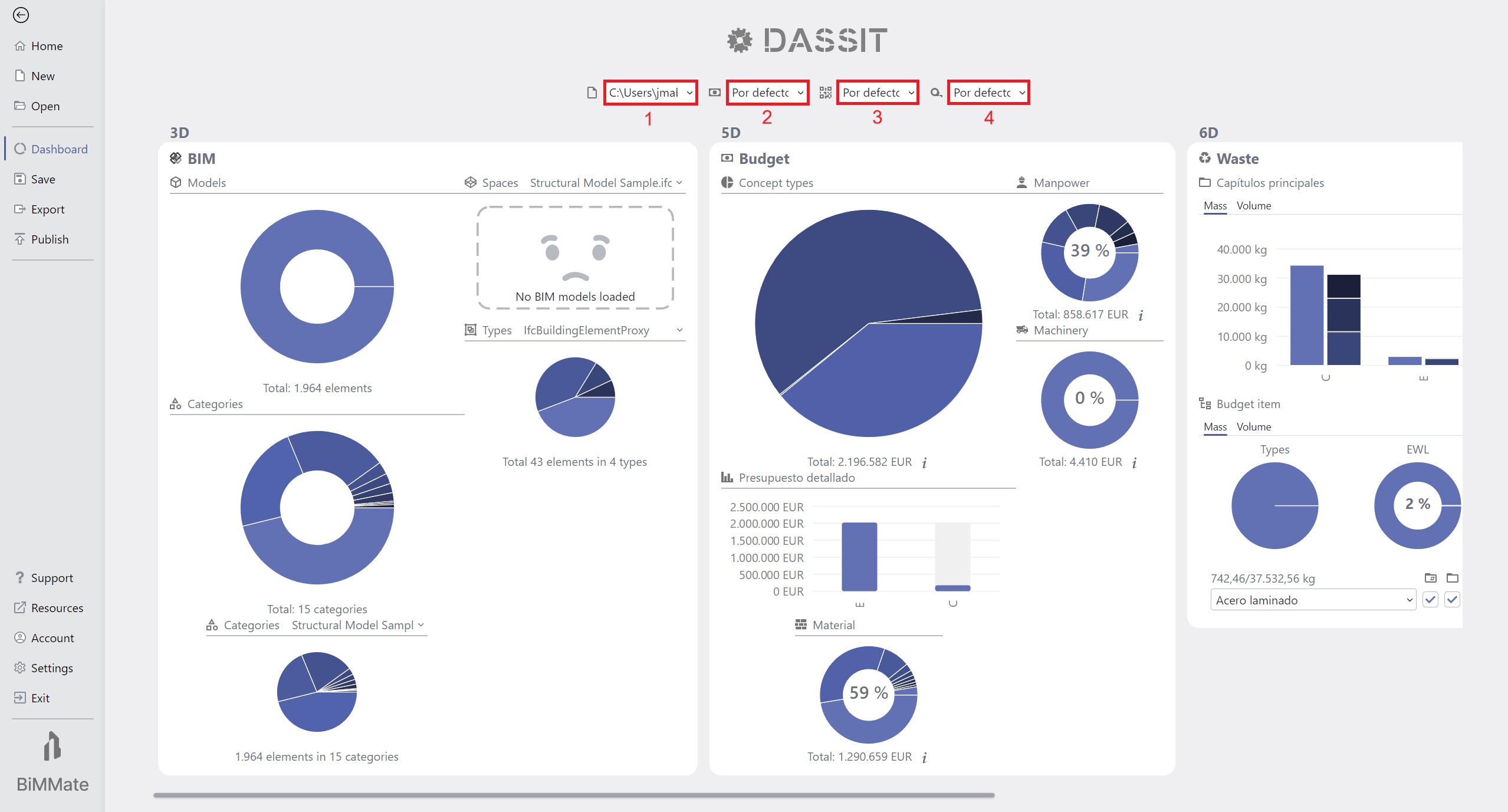
Backstage DASHBOARD Tab showing up 3D, 5D and 6D data
On top of the page there is a header that allows for:
- Select any of the currently opened documents to display its data (1)
- Select the current pricing system (when more than one available) (2)
- Select the current coding system (when more than one available) (3)
- Select the current measuring system (when more than one available) (4)
Be aware that this tab will not be visible if there are no open documents
Context Menu
Section titled “Context Menu”The UI control does not contain a context menu