
SAVE Tab
Summary
Section titled “Summary”This tab allows you to save any of the currently open documents, providing also additional capabilities that are not available from the workspace view
Description
Section titled “Description”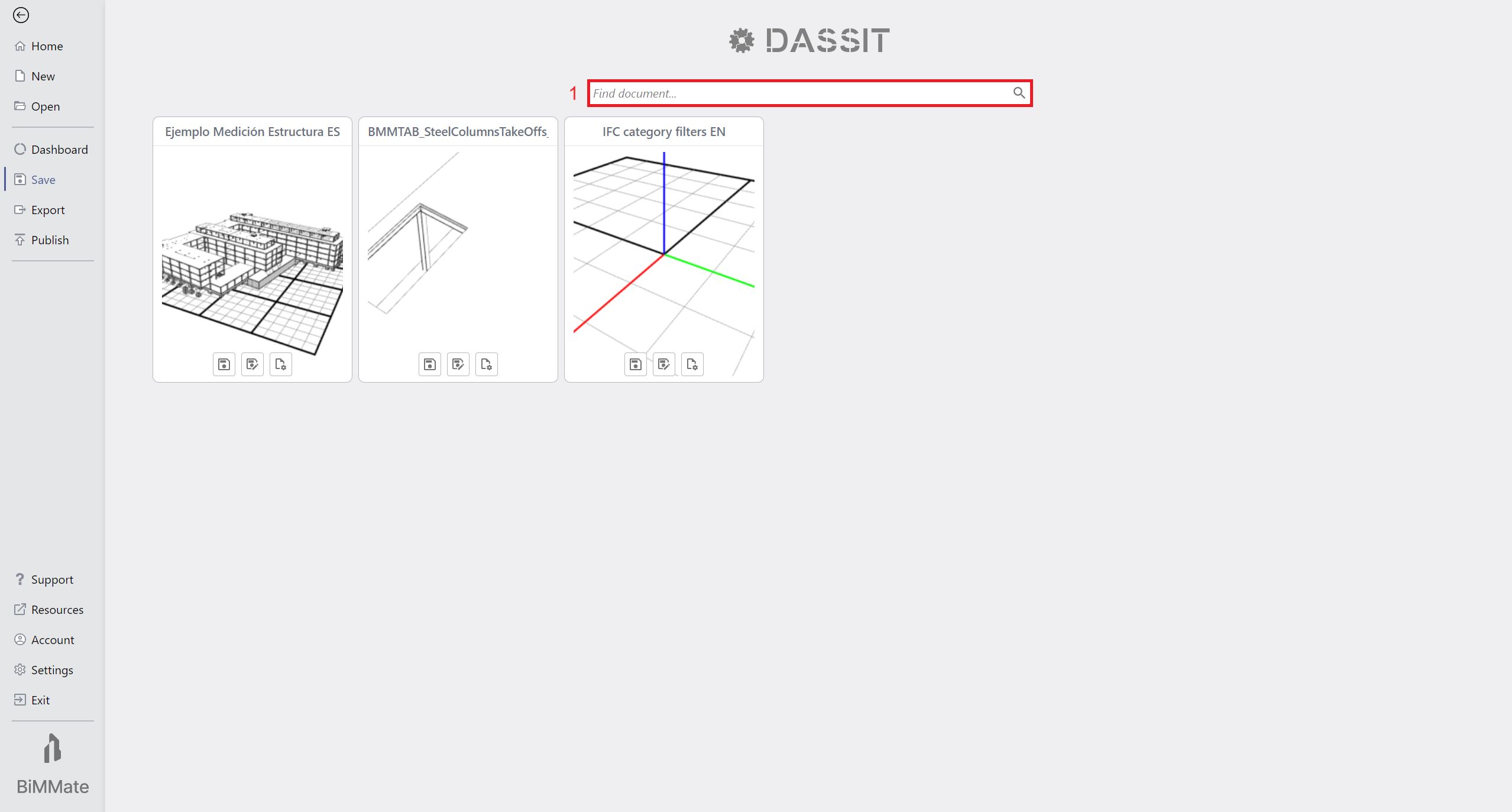
Backstage SAVE Tab showing up three open documents that can be saved
On top of the page there is a header that allows you to filter (1) the documens shown below
Each of the documents is represented as a card, with a preview of the scene and several buttons at the bottom:
- Save command
 , in
current location using the current name of the document
, in
current location using the current name of the document - Save As command
 ,
in any location with any name
,
in any location with any name - Save as Template command
 ,
to convert it to a template that can later on be used to create a new document
,
to convert it to a template that can later on be used to create a new document
Context Menu
Section titled “Context Menu”The UI control does not contain a context menu