
DataGrid UI controls
There are many DataGrids across DASSIT™ as they are fast, intuitive and versatile user-interface controls that can display thousans of rows with tabular data very efficiently
There are two types of DataGrids in DASSIT™:
| Type | Description |
|---|---|
| Non-hierarchical | They represent flat data with no relationship among items |
| Hierarchical | They show a parent-children dependency graph that can be expanded or collapsed |
DASSIT™ will use one or another depending on the nature of the data displayed However, they both work almost the same
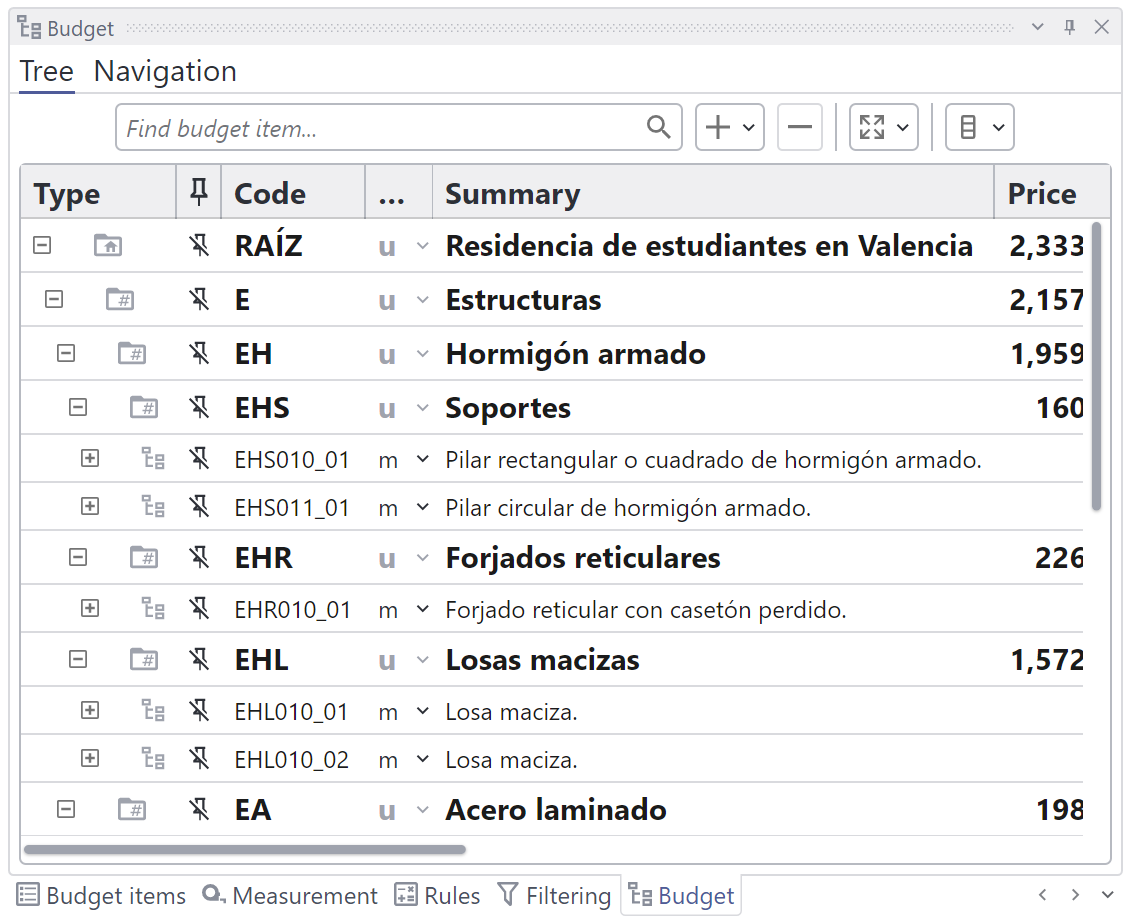
The budget tree view, used to display the whole budget and the dependencies among items, is the most important hierarchical DataGrid in DASSIT™
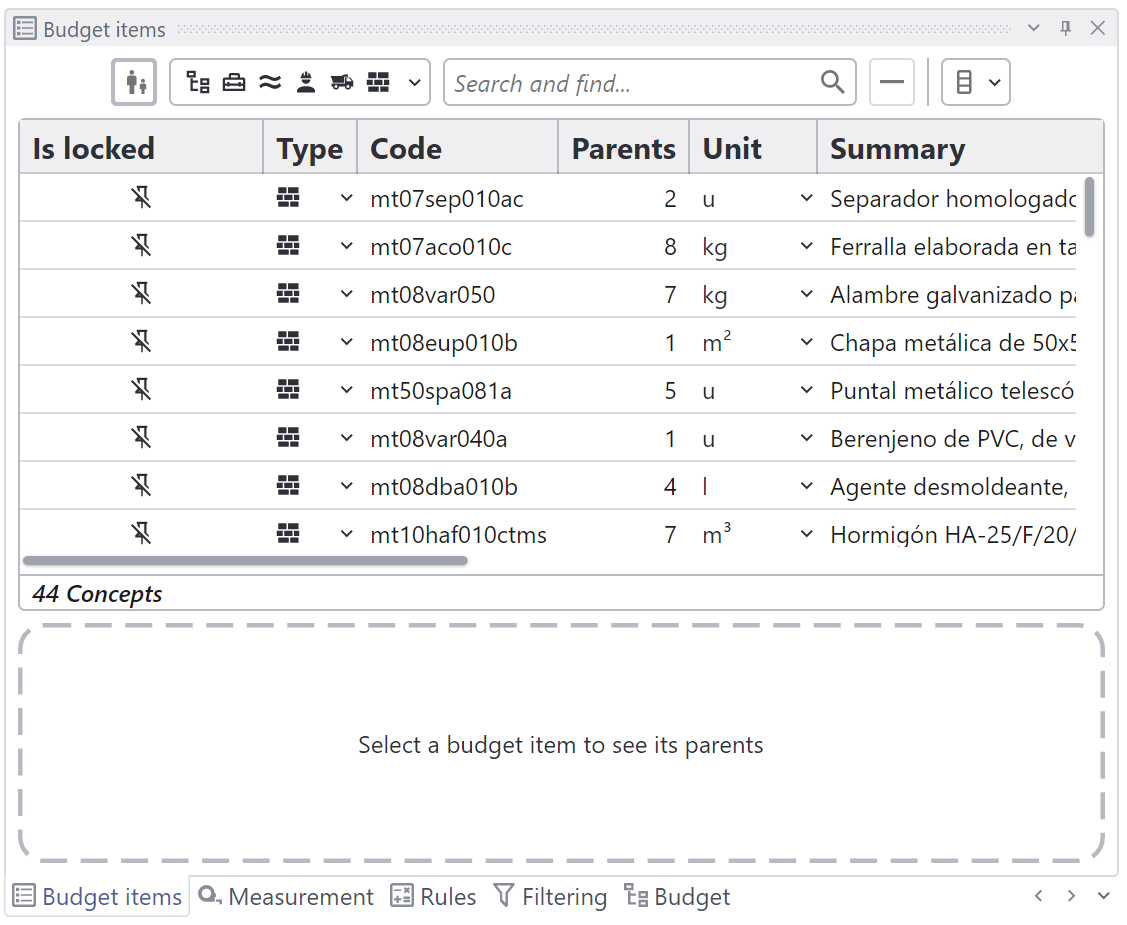
The concepts view, used to inspect all the elements used in the budget, holds two flat DataGrids
DataGrids allow you to:
- Select single or multiple rows
- Filter items by any criteria
- Sort items by any property
- Group items by single or multiple properties
- Drag data to other control (copy)
- Drag data within same control (move, copy or clone)
- Zoom to associated BIM elements (double click)
These DataGrid controls are normaly shown in DASSIT™ under a header that holds common actions like:
- Search / Filter
- Add, Duplicate, Remove
- Expand / Collaps
- Export / Import
- Manage columns visibility
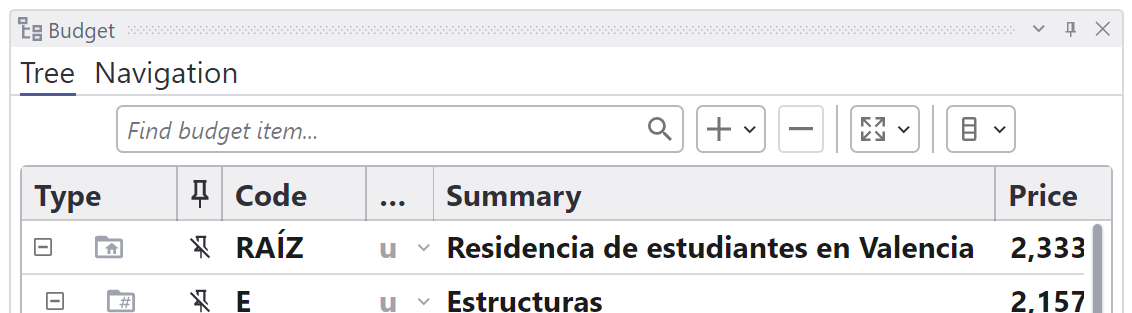
Budget Tree DataGrid header showing common actions